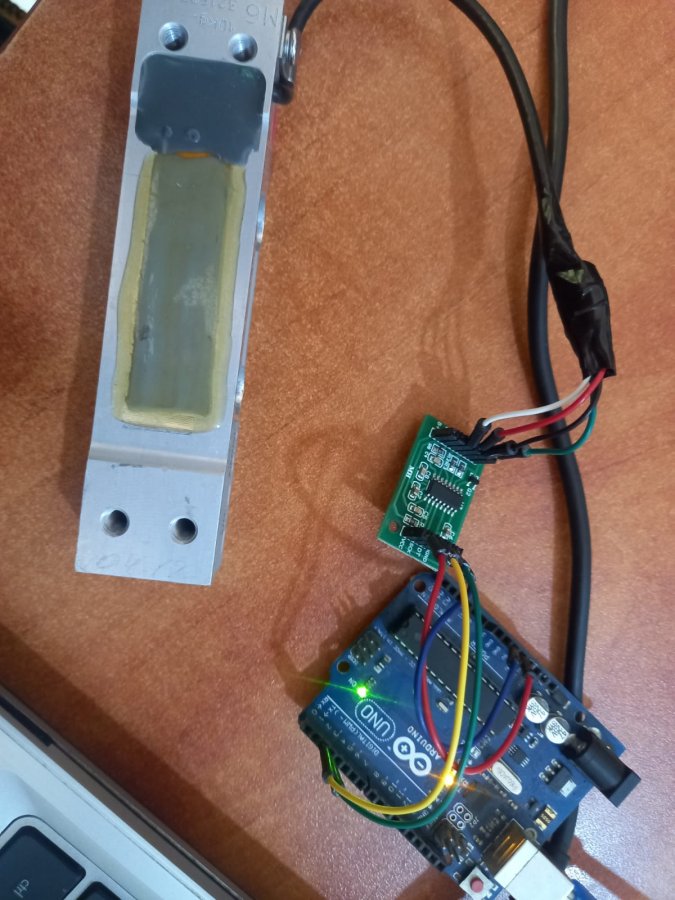
code
نسخ
اقتباس
عرض
تنزيل
								/*
 * https://circuits4you.com
 * https://circuits4you.com/2016/11/25/hx711-arduino-load-cell/
 * 2016 November 25
 * Load Cell HX711 Module Interface with Arduino to measure weight in Kgs
 Arduino
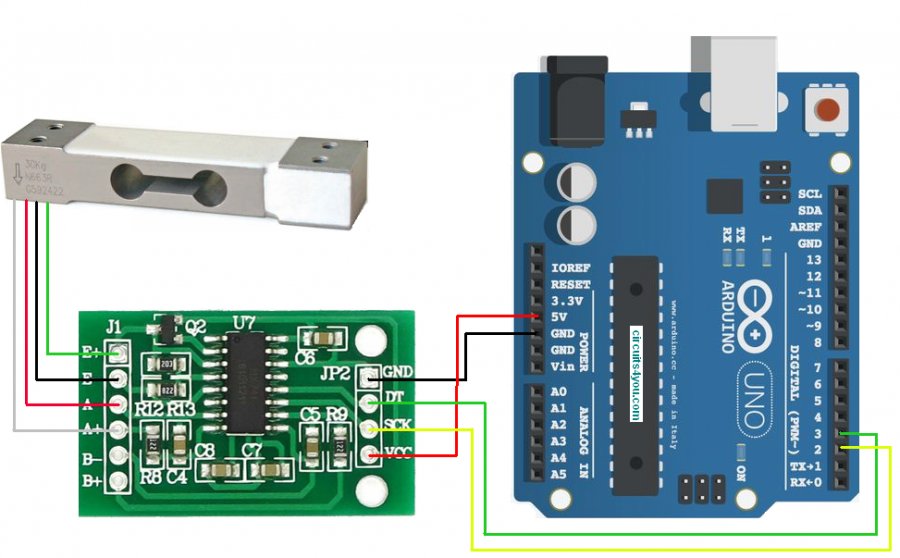
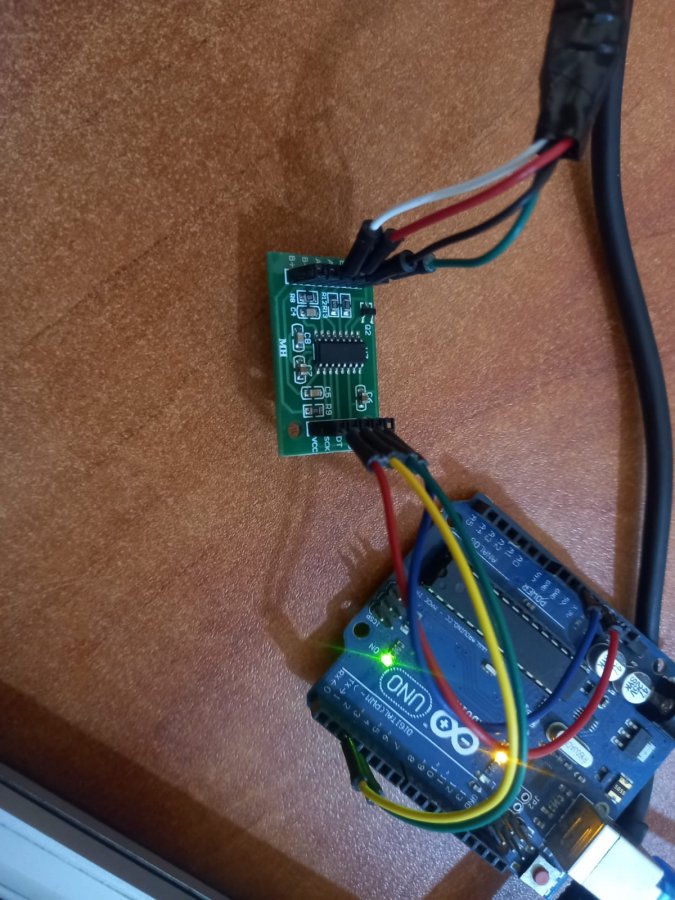
 pin
 2 -> HX711 CLK
 3 -> DOUT
 5V -> VCC
 GND -> GND

 Most any pin on the Arduino Uno will be compatible with DOUT/CLK.
 The HX711 board can be powered from 2.7V to 5V so the Arduino 5V power should be fine.
*/

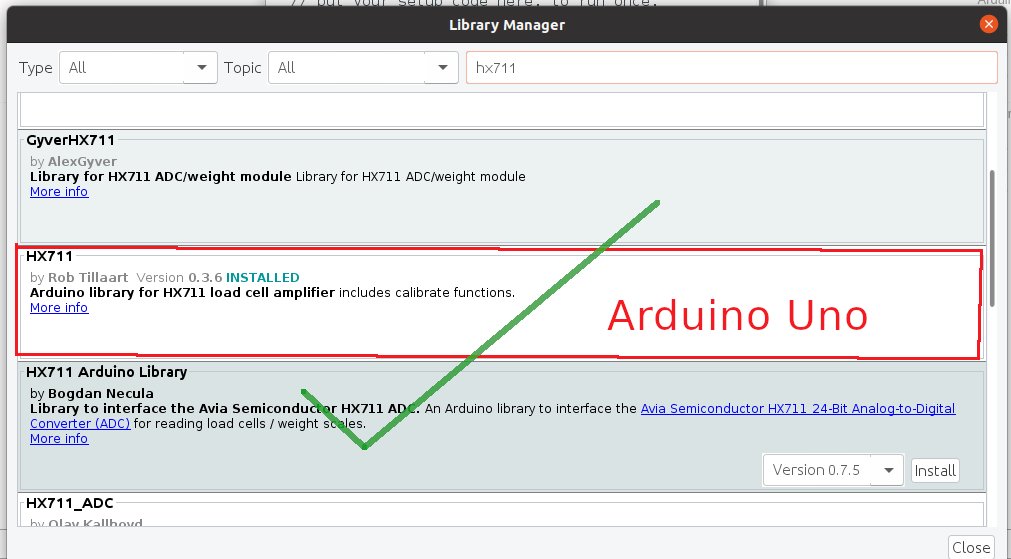
#include "HX711.h"  //You must have this library in your arduino library folder

#define DOUT  3
#define CLK  2

HX711 scale(DOUT, CLK);

//Change this calibration factor as per your load cell once it is found you many need to vary it in thousands
float calibration_factor = -96650; //-106600 worked for my 40Kg max scale setup

//=============================================================================================
//                         SETUP
//=============================================================================================
void setup() {
  Serial.begin(9600);
  Serial.println("Press T to tare");
  scale.set_scale(-96650);  //Calibration Factor obtained from first sketch
  scale.tare();             //Reset the scale to 0
}

//=============================================================================================
//                         LOOP
//=============================================================================================
void loop() {
  Serial.print("Weight: ");
  Serial.print(scale.get_units(), 3);  //Up to 3 decimal points
  Serial.println(" kg"); //Change this to kg and re-adjust the calibration factor if you follow lbs

  if(Serial.available())
  {
    char temp = Serial.read();
    if(temp == 't' || temp == 'T')
      scale.tare();  //Reset the scale to zero
  }
}
//=============================================================================================